Queue Docs
Get Started
Integrations
Integrations
Bitbucket
Connect to Bitbucket for repository access and pull request automation.
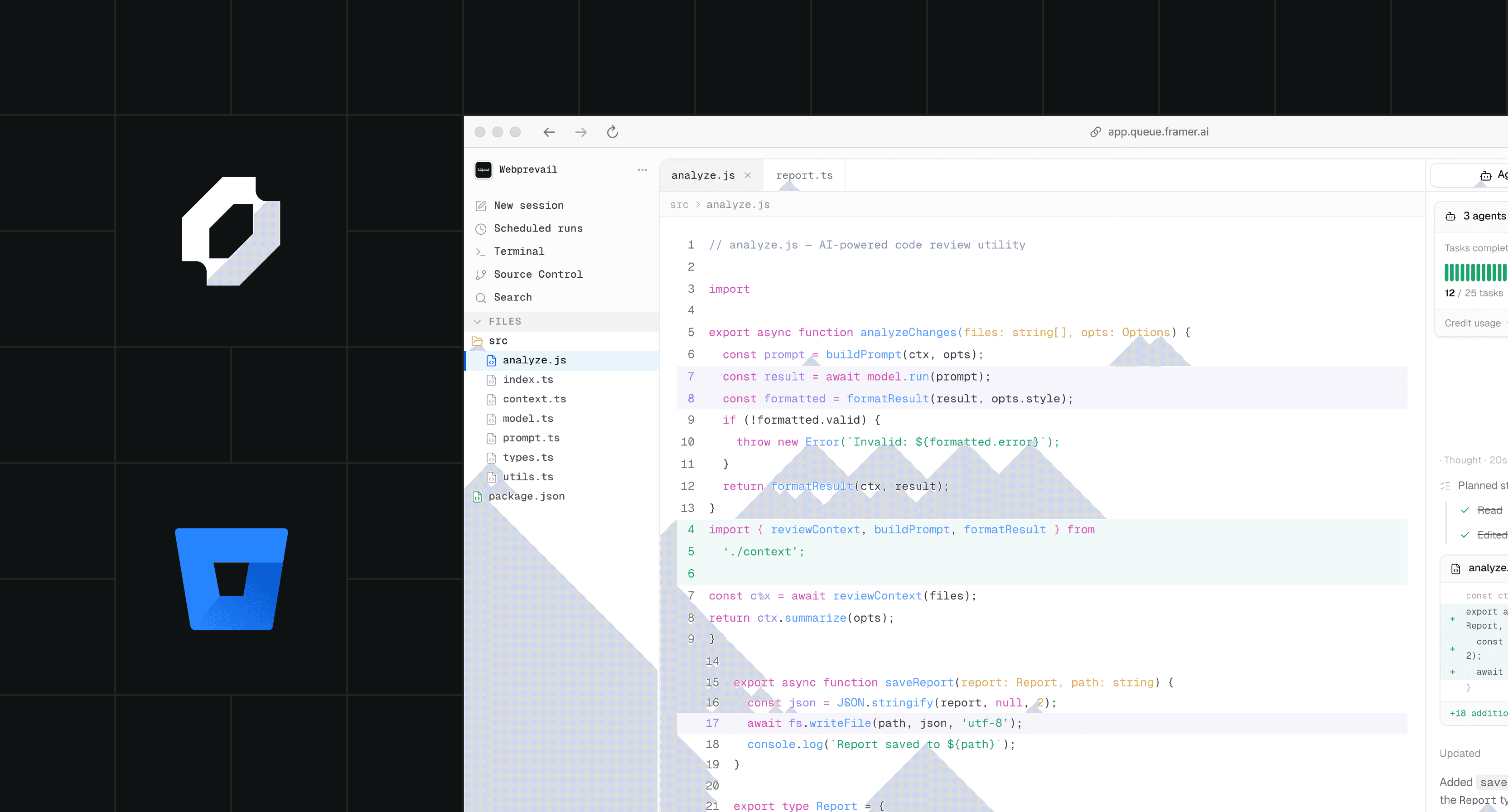
Bitbucket Integration
Connect your agent to Bitbucket to read repositories, open issues, create pull requests, and review code changes automatically.
Authentication
Install the Bitbucket App on your workspace or personal account, then authorize it in your Queue workspace settings. Queue uses an OAuth 2.0 access token scoped to the repositories you select.
Available Actions
The integration exposes tools for reading file contents, listing commits, creating branches, opening and merging pull requests, and posting inline comments.
Code Review Agents
Configure a code review agent that triggers on pull request events via Bitbucket Pipelines webhooks, reads the diff, and posts structured feedback as inline PR comments.
Installation
Go to Settings → Integrations → Bitbucket and click Connect. You will be redirected to Bitbucket to authorize Queue. Select the workspaces and repositories you want Queue to access, then confirm.
Available tools
bitbucket_read_file
Read any file from a connected repository by path and ref (branch, tag, or commit hash).
bitbucket_create_branch
Create a new branch from any base ref. Queue agents always work on branches, never directly on main.
bitbucket_open_pr
Open a pull request from a branch to a target branch. The agent writes the PR title and description based on the work it completed.
bitbucket_post_comment
Post a comment on a PR or issue. Used by code review agents to surface findings inline.
On this page