Queue Docs
Get Started
Integrations
Integrations
Azure DevOps
Integrate with Azure DevOps repos, pipelines, and work items.
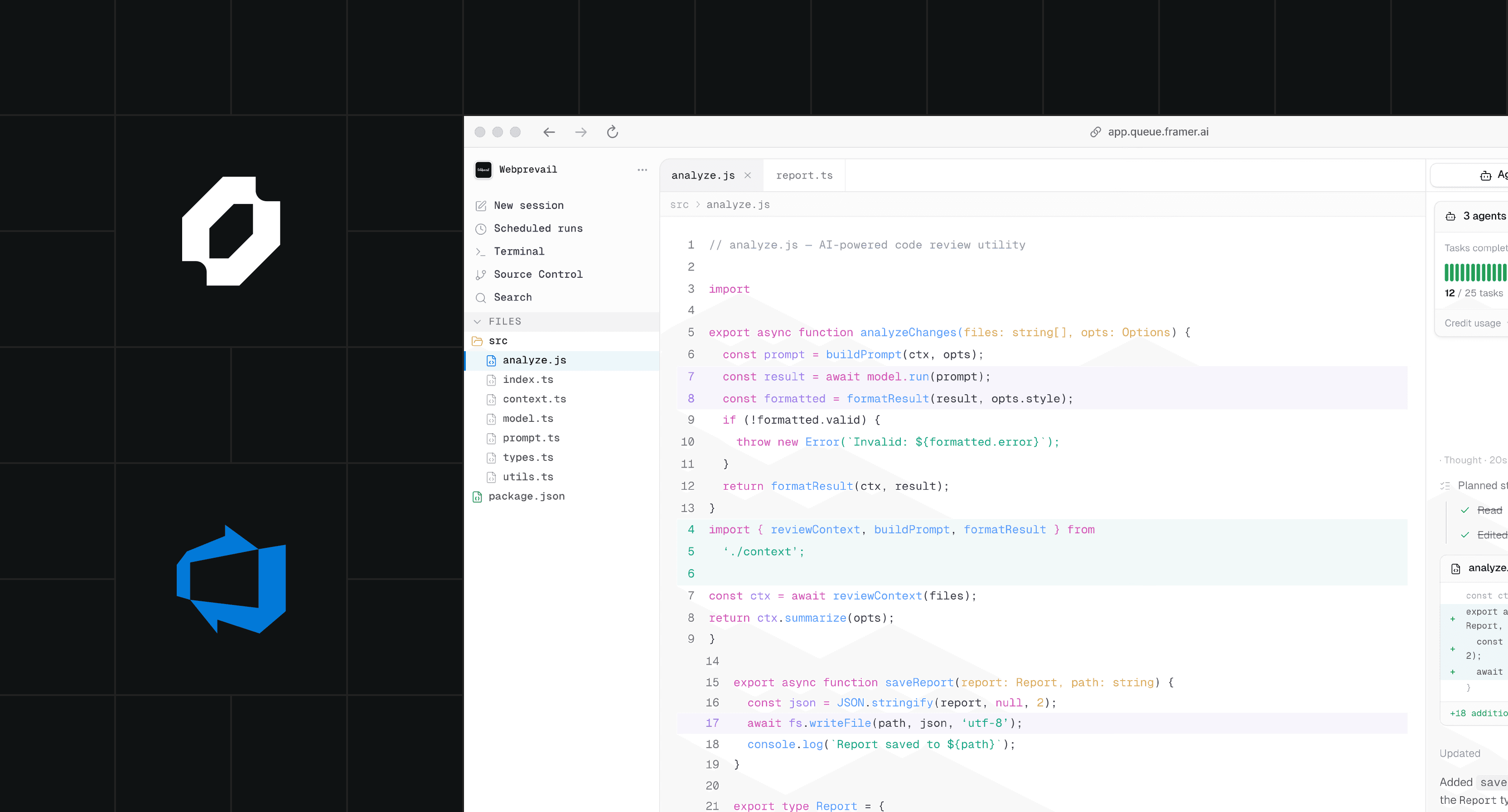
Azure DevOps Integration
Connect Queue agents to Azure DevOps to interact with Repos, Pipelines, Boards, and Work Items — all from a single agent run.
Authentication
Go to Settings → Integrations → Azure DevOps and authorize via OAuth. Queue uses a scoped Personal Access Token (PAT) stored securely in your workspace. Select the organization and projects the agent should access.
Available Actions
The integration exposes tools for reading repository files, listing commits, creating branches, opening pull requests, posting PR comments, creating and updating Work Items, and triggering pipeline runs.
Available tools
ado_read_file
Read any file from a connected Azure Repos repository by path and ref.
ado_create_work_item
Create a new Work Item (Bug, Task, User Story) in a Board project. The agent generates the title and description based on its findings.
ado_trigger_pipeline
Trigger an Azure Pipelines build or release pipeline. Useful for agents that write code and want to validate their changes with a CI run immediately after.
ado_open_pr
Open a pull request in Azure Repos. The agent sets the title, description, and target branch based on the work it performed.
On this page